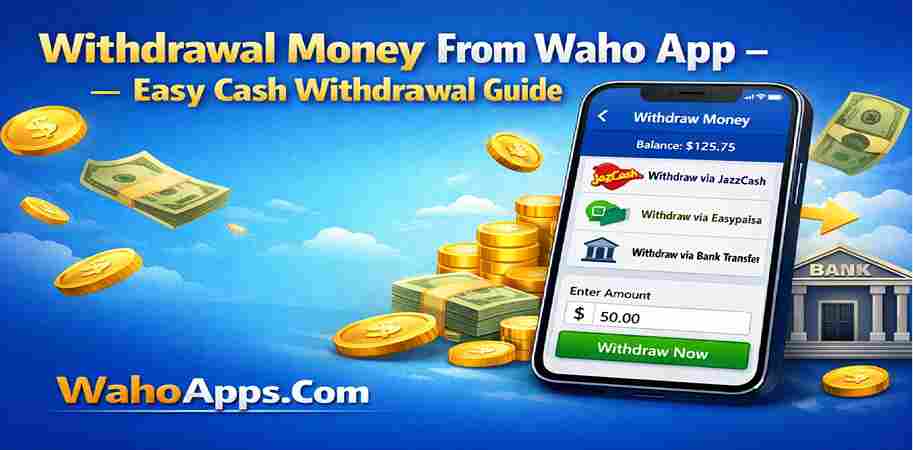
Withdrawal Money From Waho App – Easy Cash Withdrawal Guide
Once you start earning on the Waho app, the next step is to withdraw your hard-earned money. The process is straightforward, and with just a few steps, you can have your earnings transferred to your bank account or other payment methods. In this guide, we will show you how to withdraw your money easily and quickly from the Waho app.
How to Request a Withdrawal on Waho
The first step in withdrawing your earnings is to ensure that you have accumulated enough points or cash in your Waho account. When you’ve reached the minimum withdrawal threshold, you can initiate the process. To do this, open the Waho app and navigate to the ‘Earnings’ or ‘Wallet’ section. There, you will see an option to request a withdrawal. Click on this option, and you will be directed to a page where you can choose your preferred withdrawal method.
Choosing Your Payment Method
Waho offers several payment options for users to withdraw their money. Some of the most common methods include PayPal, bank transfer, or gift cards. Choose the method that works best for you. If you opt for a bank transfer, you will need to enter your bank account details, including your account number and bank name. For PayPal withdrawals, simply link your PayPal account and the funds will be transferred directly to your PayPal balance.
Minimum Withdrawal Limits
Before you request a withdrawal, it's important to be aware of the minimum withdrawal limits set by Waho. These limits vary depending on the payment method you choose. Typically, you will need to have earned at least $10 or more in your account before you can initiate a withdrawal. Always check the specific requirements for the method you're using to avoid any surprises.
Processing Time for Withdrawals
Once you’ve requested your withdrawal, it typically takes between 1 to 3 business days for the payment to be processed. PayPal withdrawals are usually faster and may be completed within 24 hours, while bank transfers may take a little longer. Be patient and check your account regularly to see if the funds have been transferred successfully.
Tips for Smooth Withdrawal
To avoid any issues with your withdrawals, make sure that your account information is up to date. Double-check the details of your payment method to ensure there are no mistakes. If you face any issues, the Waho customer support team is available to assist you.